Nohim Hasitha - Student(3)
Team Page
Technical Description
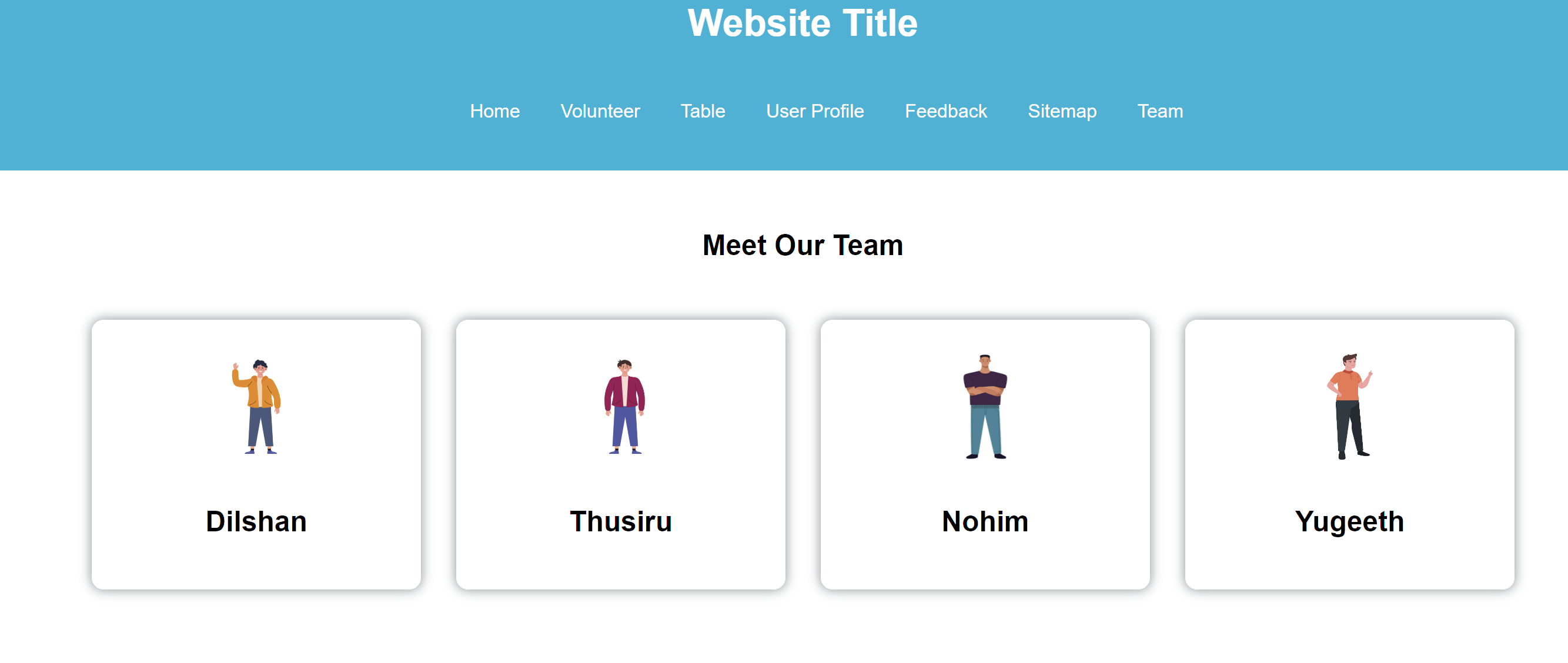
The Team page is mainly consist of the standard html tags including header,footer for accessibility and head and body for implementing the page. the head contains link to relevent css files and javascript files. the body mainly consist of header, main and a footer. inside the main container each of the student details are divided into distinct div elements and are clearly identified by id attribute for easier access. each of these team member cards are expandable when user hovers over it. the use of css styling ensures that the content is easier to access while maintaining a satisfactory user experience.
                  <body>
                      <header>...</header>
                      <main class="main-wrapper">
                      </main>
                      <footer>...</footer>
                  </body>
Accessibility
In the page I implemented, accessibility is addressed in the following ways:
- Semantic HTML Tags: I used
<header>,<main>, and<footer>to structure the page, making it easier for screen readers to understand the layout. - 'aria-label': The
<nav>tag includes anaria-label="Main Navigation", which helps screen readers identify the purpose of the navigation section. - Alternative Text for Images: I added
altattributes to the<img>tags to provide text descriptions of the images for users who are visually impaired. - Descriptive Links: I used clear, descriptive text for links and buttons to make it easier for users to understand the purpose of each action.
These elements ensure the page is more accessible for users with disabilities, improving navigation and understanding.
Link to the validation page
Click here to go back to the validation page
Link to the page
Feedback Page
Technical Description
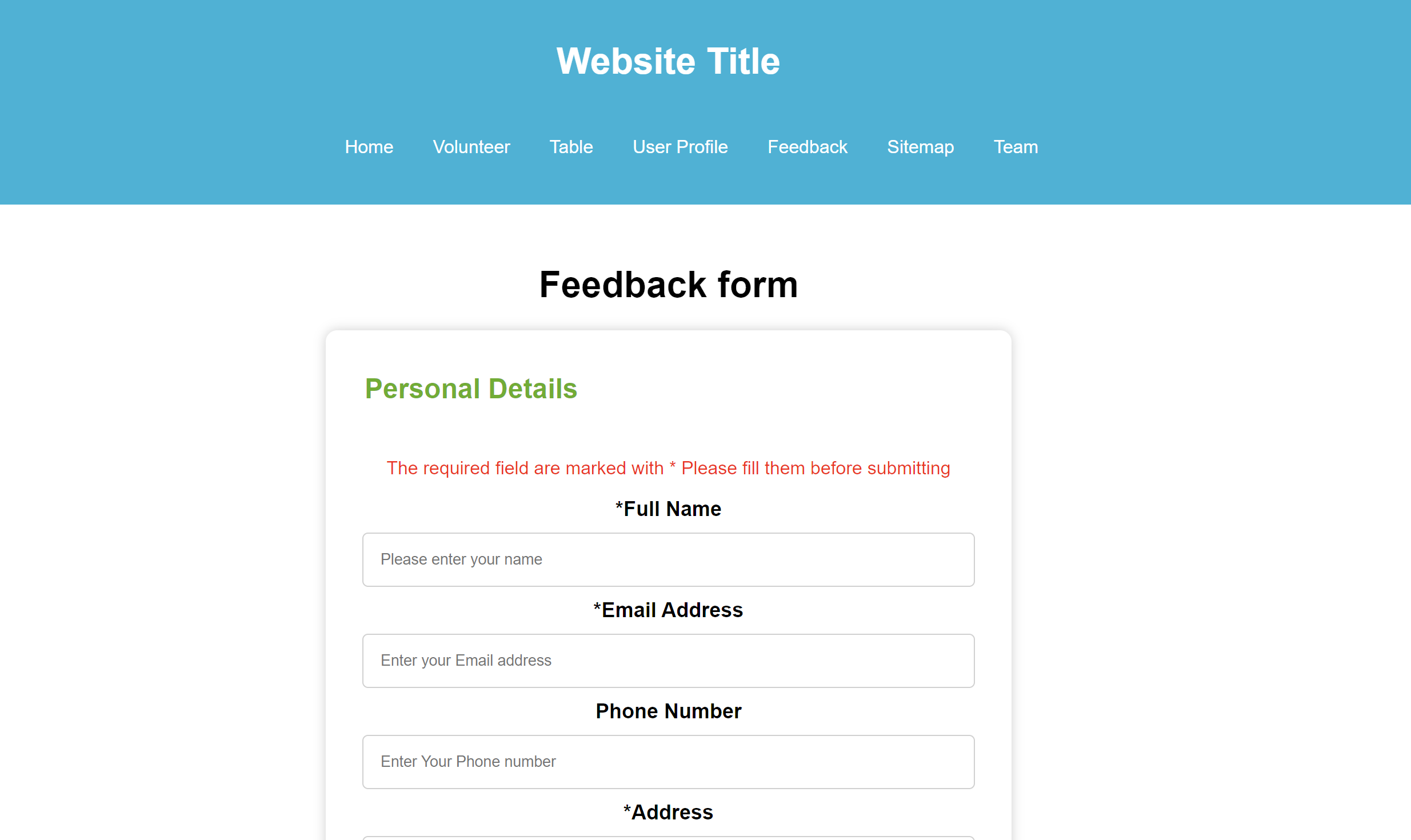
The feedback page is mainly consist of head and body which is a crucial part of standard html doucument. inside the head tag theare are relevent css files for proper styling. and inside the body tag there are mainly header,main and footer which is easy to understand and navigate. inside the main tag there is a secondary div tag with the class container for proper alignment. the form is placed inside this tag. the form consist of different inputs and labels to enhance user feedback. the feedback page use this structure. each of the sections inside the form elements are clearly grouped by using fieldset tag, which consist of legend and other div elements as well as input fields with their unique id's. user's with disabilities can easily identify the content using the aria-describedby or alt tags. for easier submission dates of the submission is auto generated.
                  <body>
                      <header>...</header>
                      <main class="main-wrapper">
                      <form>....<form>
                      </main>
                      <footer>...</footer>
                  </body>
Accessibility
- Semantic HTML Tags: I used
<header>,<main>, and<footer>to structure the page, making it easier for screen readers to understand the layout. - 'aria-label': The
<nav>tag includes anaria-label="Main Navigation", which helps screen readers identify the purpose of the navigation section. - Alternative Text for Images: I added
altattributes to the<img>tags to provide text descriptions of the images for users who are visually impaired. - Descriptive Links: I used clear, descriptive text for links and buttons to make it easier for users to understand the purpose of each action.
Link to the validation page
Click here to go back to the validation page
Link to the page
Content Page
Technical Description
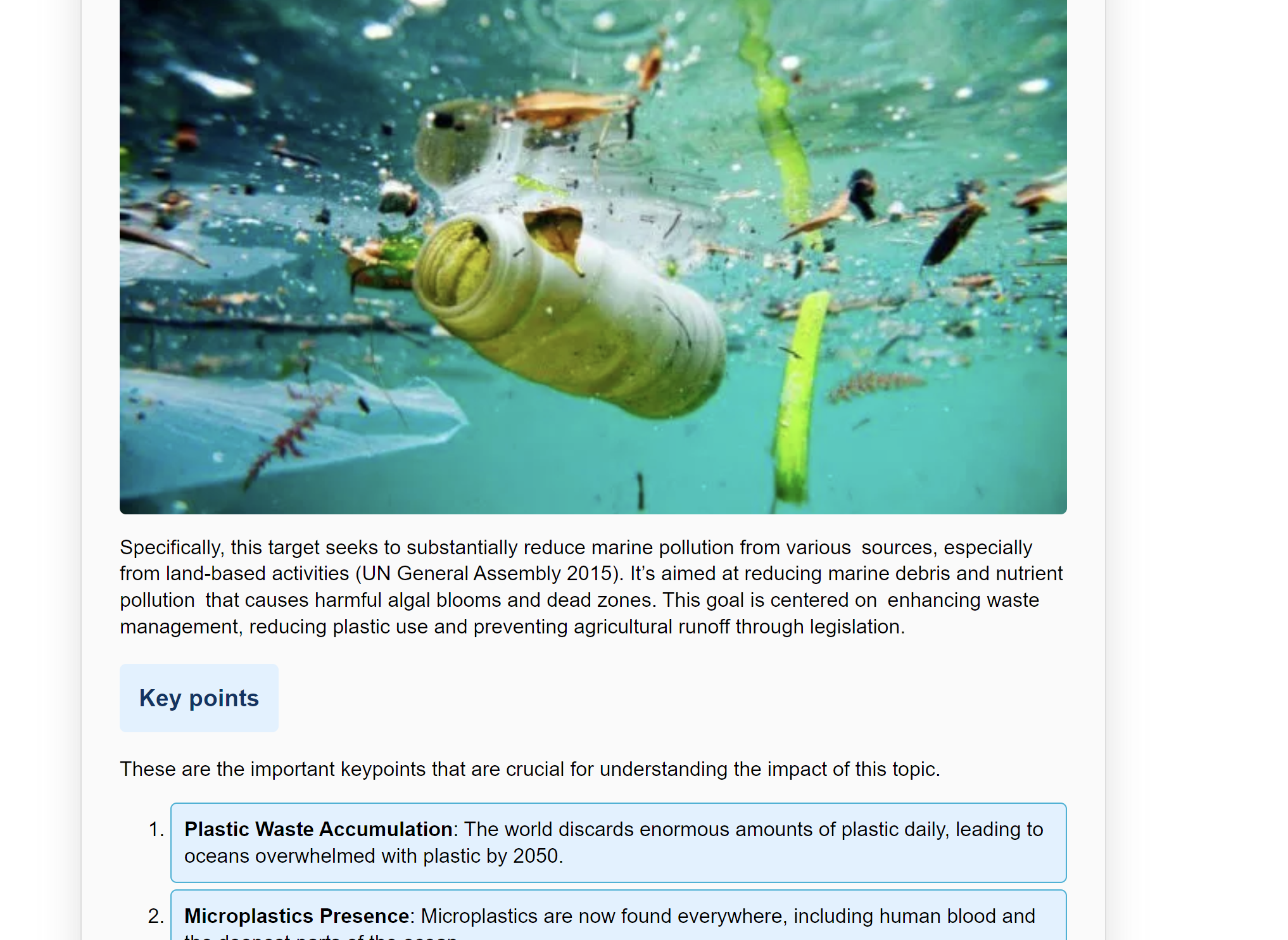
I have created this webpage to showcase the content of my main topic life under water. the html file is mainly consist of head,body and footer and inside the body there is a main tag where i implemented all the sections that are visible in the page. and i have specially use sections to divide and indicate which section corresponds to which part of the webpage. i have use css styling to highlight header,subtitle and list elements to clearly indicate the content and for the ease of navigation.
Accessibility
In the page I implemented, accessibility is addressed in the following ways:
- Semantic HTML Tags: I used
<header>,<main>, and<footer>to structure the page, making it easier for screen readers to understand the layout. - 'aria-label': The
<nav>tag includes anaria-label="Main Navigation", which helps screen readers identify the purpose of the navigation section. - Alternative Text for Images: I added
altattributes to the<img>tags to provide text descriptions of the images for users who are visually impaired. - Consise organizing: I used containers and wrappers to properly align the content in the center of the page while maintaining the flexibility for a wide range of devices. i used sections and divs to properly align and organize the html page for better user experiance
These elements ensure the page is more accessible for users with disabilities, improving navigation and understanding.
Link to the validation page
Click here to go back to the validation page
Link to the page
Challenges and Lessons Learned
Challenges
- I have encountered many problems while coding the website specially for feedback and teampage
- One of the main problems i am having was to align the content center vertically and horizontally
- I was having problem while making sure my main content which is under the main tag remain at aa specific height so it doesnt take less height when there is not enough content on the webpage
- I was struggling to make my emojis on the feedback form to interact while also keeping the functionality of the radio button which it is based on.
Lessons learned
- I have learnt to use the css properties like min width and max width to properly align my content with the window size.
- I also learnt how to apply css rules specifically for mobile based devices.
- other important thing i learnt is that to use javascript properly for further interactivity of the webpage specificlly for feedback page
- I learnt to use css variable which is specified in the root property in the css, which is effective for maintaining the consistent appearance throughout the webpage.
Compliance
What is JANET regulation?
JANET regulations refer to the rules and guidelines set by JANET (Joint Academic Network), a network that provides internet and IT services to UK universities, colleges, and research institutions. The network is managed by Jisc, a non-profit organization supporting higher education and research in the UK.
How this site complies?
This site complies with the JANET rules and regulation by following these guidelines. this ensures that this site strictly adhere to JANET policies while maintaining a consistent layout.
- Acceptable Use Policy (AUP) Compliance - The website makes sure that all activities and content comply with JANET's AUP, preventing abuse such unlawful activity, offensive content, or unapproved system access.
- Data Protection and Security - To protect user data, the website adheres to JANET security rules and GDPR by utilizing secure authentication, robust encryption, and appropriate data processing procedures.
- Content Filtering and Monitoring - The website keeps the required records and applies the proper content filtering to stop access to harmful or unlawful contents.
References
Provide links to resources you used following a consistent
format (e.g., APA, MLA, or a simplified style). For example:
- cbbd33a8-ef31-47b0-807d-6ec97be3eab2 (240×180). (no date). Available from https://cdn.productreview.com.au/resize/review-attachment/cbbd33a8-ef31-47b0-807d-6ec97be3eab2?cover=true&height=180&v=2&width=240 [Accessed 9 March 2025].
- cbbd33a8-ef31-47b0-807d-6ec97be3eab2 (240×180). (no date). Available from https://cdn.productreview.com.au/resize/review-attachment/cbbd33a8-ef31-47b0-807d-6ec97be3eab2?cover=true&height=180&v=2&width=240 [Accessed 9 March 2025].