Thusiru Kodithuwakku - Student 1
Splash Page
Technical Description
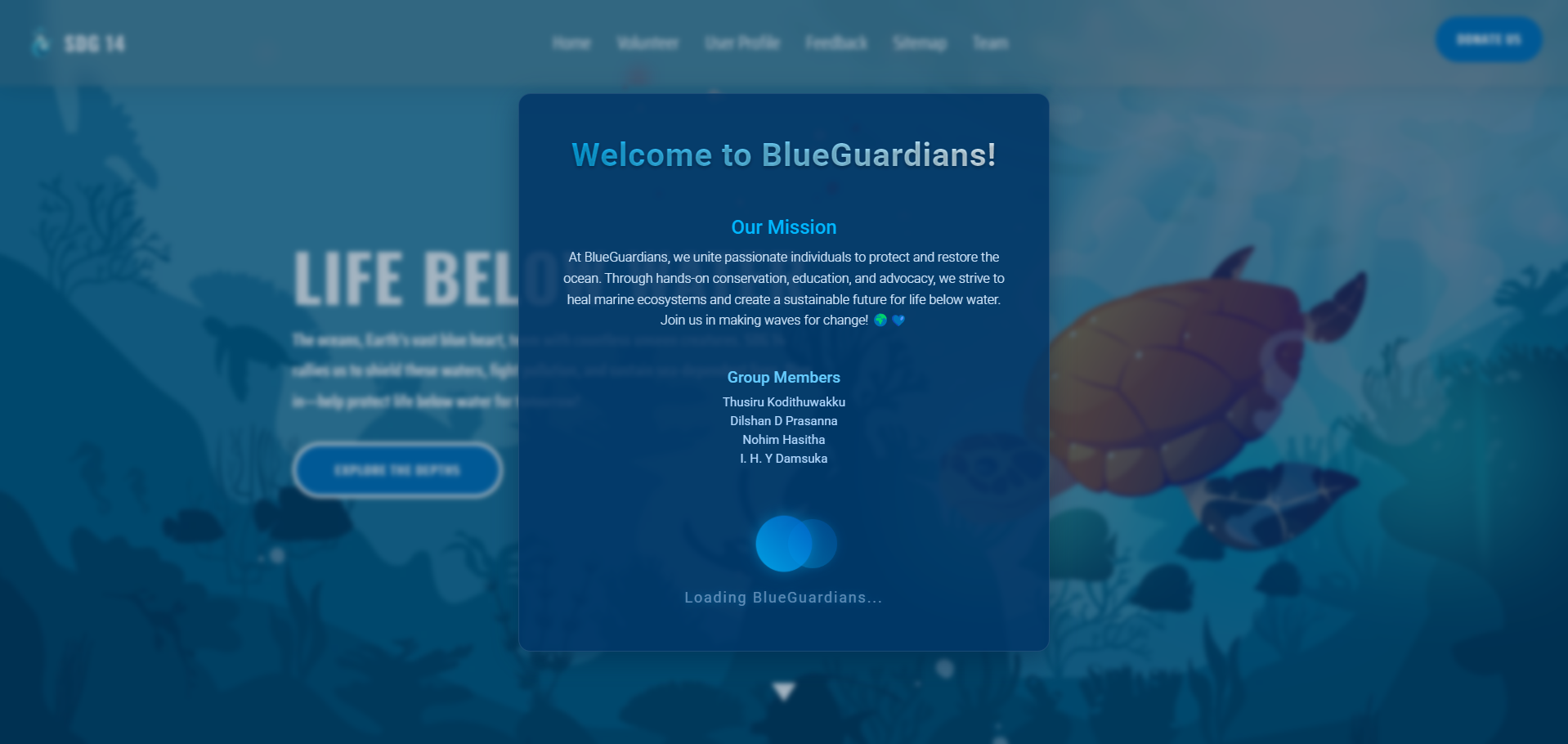
The Splash page serves as the entry point to the BlueGuardians site, featuring a 4-second redirect to the home page using a <meta> tag. It includes standard HTML structure with <head> and <body> tags. The <head> links to CSS files for styling and Google Fonts for typography. Inside the <body>, a wave animation loader is implemented using CSS, and JavaScript handles a smooth fade-out transition before redirecting. The structure ensures a welcoming user experience.
                  <body>
                      <section>
                        <iframe>...</iframe>
                        <div id="main">...</div>
                      </section>
                  </body>
Accessibility
Accessibility is addressed in the following ways:
- Semantic HTML Tags: Used
<section>to organize content, aiding screen reader navigation. - 'aria-label': Added to the loader (via
aria-label) to inform screen readers of the redirect. - Alternative Text for Images: Included
altattributes for iframe and other elements where applicable. - Descriptive Text: Clear text in the welcome message enhances understanding for all users.
Link to the Validation Page
Click here to go back to the validation page
Link to the Page
Volunteer Page
Technical Description
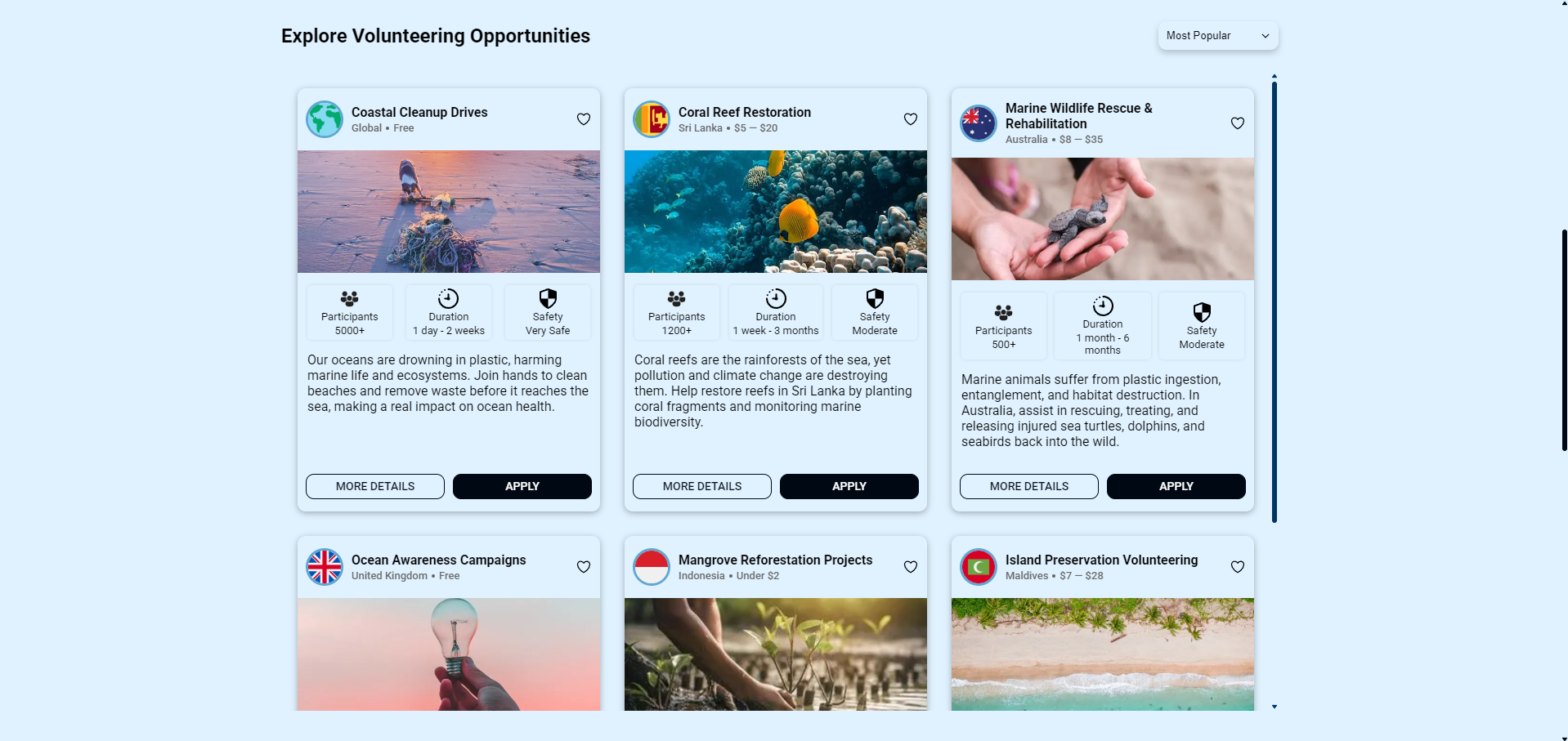
The Volunteer page is built with a standard HTML structure, including <header>, <main>, and <footer>. The <head> links to CSS files for styling and layout. Inside the <main>, a card-based layout displays volunteering opportunities using <section> and <div> elements with unique IDs. CSS ensures scrollable content with overflow-y: scroll, and interactive buttons use :hover effects for user engagement.
                  <body>
                      <header>...</header>
                      <main>
                        <section id="volunteer-programs">...</section>
                      </main>
                      <footer>...</footer>
                  </body>
Accessibility
Accessibility features include:
- Semantic HTML Tags: Used
<header>,<main>, and<footer>for clear structure. - 'aria-label': Added to navigation (
aria-label="Main Navigation") and buttons for screen reader clarity. - Alternative Text for Images: All card images have descriptive
altattributes. - Keyboard Navigation: Buttons and links are focusable for keyboard users.
Link to the Validation Page
Click here to go back to the validation page
Link to the Page
Content Page
Technical Description
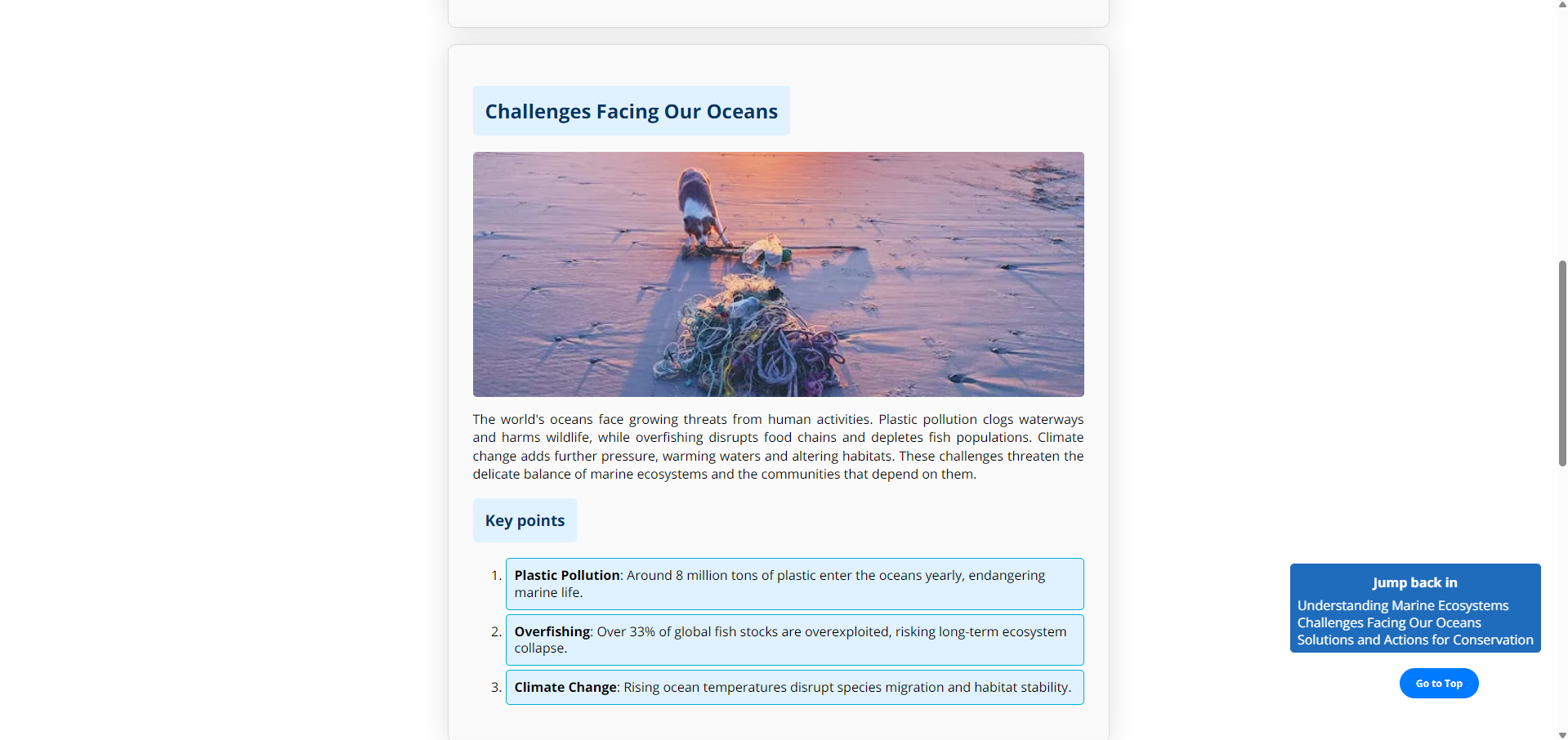
The Content page showcases information about "Life Below Water" using a structured HTML layout with <header>, <main>, and <footer>. The <main> contains multiple <section> elements with unique IDs for internal navigation. CSS styles enhance readability with a fixed "Go to Top" button (position: fixed) and responsive image containers. This design ensures easy access to key topics.
                  <body>
                      <header>...</header>
                      <main>
                        <section id="section1">...</section>
                      </main>
                      <footer>...</footer>
                  </body>
Accessibility
Accessibility is addressed as follows:
- Semantic HTML Tags: Used
<section>and<nav>for content organization. - 'aria-label': Navigation uses
aria-label="Main Navigation". - Alternative Text for Images: All images include
altattributes. - Internal Navigation: Links with IDs allow keyboard users to jump between sections.
Link to the Validation Page
Click here to go back to the validation page
Link to the Page
Challenges and Lessons Learned
Challenges
- Timing the fade-out animation on the Splash page with the redirect was tricky; syncing JavaScript and CSS transitions was a hurdle.
- Ensuring the Volunteer page's card layout remained responsive across devices required extensive CSS adjustments.
- Aligning images and text on the Content page while maintaining accessibility was challenging due to varying screen sizes.
Lessons Learned
- Learned to use
setTimeouteffectively in JavaScript for precise timing control. - Mastered CSS media queries to improve responsiveness on the Volunteer page.
- Understood the importance of testing accessibility early using tools like WAVE to catch issues.
Compliance
What is JANET Regulation?
JANET (Joint Academic Network) regulations are guidelines set by Jisc for UK academic institutions, ensuring secure and ethical use of network resources.
How This Site Complies
This site adheres to JANET policies by:
- Acceptable Use Policy (AUP): Content is lawful and appropriate, avoiding misuse.
- Data Protection: No sensitive data is collected, aligning with GDPR and JANET security standards.
- Accessibility: Semantic HTML and ARIA attributes ensure compliance with accessibility guidelines.
References
Links to resources used:
- Content / MODULE: (2024) 4COSC011C.2 Web Design and Development (IIT Sri Lanka). Available from https://learning.westminster.ac.uk/ultra/courses/_100151_1/outline
- CSS: Cascading Style Sheets | MDN. (2025). Available from https://developer.mozilla.org/en-US/docs/Web/CSS
- CSS Flexbox Layout Guide. (2013). CSS-Tricks. Available from https://css-tricks.com/snippets/css/a-guide-to-flexbox/
- CSS Tutorial. (no date). Available from https://www.w3schools.com/css/
- Download Free Vectors, Clipart Graphics, Vector Art & Design Templates. (no date). Vecteezy. Available from https://www.vecteezy.com/
- Free Icons and Stickers - Millions of resources to download. (no date). Flaticon. Available from https://www.flaticon.com/
- Heroicons. (no date). Heroicons. Available from https://heroicons.com
- HTML: HyperText Markup Language | MDN. (2025). Available from https://developer.mozilla.org/en-US/docs/Web/HTML
- HTML Tutorial. (no date). Available from https://www.w3schools.com/html/
- SVG Repo - Free SVG Vectors and Icons. (no date). SVG Repo. Available from https://www.svgrepo.com/
- Unsplash. (no date). Beautiful Free Images & Pictures | Unsplash. Available from https://unsplash.com/